
Cove Team Search
Employees could not find people, docs, or projects across a fragmented workspace. Search was the most complained-about feature.
Search success
81%
up from 48%
Time to find
15s
down from 42s
Daily active
+42%
in the first month
Complaints
#7
down from #1 most-reported
The Problem & Challenge
Employees could not find people, docs, or projects across a fragmented workspace. Search was the most complained-about feature.
I know the person I need is in this workspace somewhere. I just cannot find them. So I end up asking in Slack, which defeats the purpose.
Research & Discovery
Shadowed 12 employees and logged 400 search queries. Found that intent was ambiguous between people, docs, and tasks. Designed a unified command palette with scoped filters and recent activity. Built a ranking model with engineering.
Intent was ambiguous across people, docs, and tasks
A search for "onboarding" could mean the onboarding doc, the onboarding project, or the person who owns onboarding. The search did not disambiguate.
There was no keyboard-first path
Power users wanted a command palette. Every search required clicking into a sidebar, typing, and scrolling a single list.
Recent activity was invisible
Employees often re-found things they had touched recently. There was no recency signal in the results.
Journey map — where it broke
- 01Need to find XNo clear entry point for search.
- 02Open sidebarMust navigate to the right section first.
- 03Type querySingle list; no scoping or filters.
- 04Scroll resultsMixed types; no disambiguation.
- 05Give upAsks in Slack instead.
- 06Repeat next dayNo recency; same friction.
Design & Iteration Process
Each phase below presents the options we weighed, the tradeoffs, and the decision we made. Design is choosing between imperfect alternatives.
A single keyboard-first palette (Cmd+K) that searches people, docs, and projects with scoped tabs. Replaces the fragmented sidebar search.
- Improve sidebar searchFamiliar, but does not solve intent ambiguity.
- Unified command paletteChosenNew pattern, but solves scope and speed.
- AI chat assistantTrendy, but slow for known-target searches.
The Solution & Key Features
Shipped a single command palette that searched people, docs, and projects with scoped filters and keyboard-first navigation.
Command palette
Search lived in the sidebar, one type at a time.
Cmd+K opens a unified palette across people, docs, and projects.
Spotlight · Power users adopted it in days; it became the primary entry point.
Scoped filters
A single mixed list with no way to narrow by type.
Instant tabs for People, Docs, and Projects — no re-query.
Spotlight · Search success rate rose from 48% to 81%.
Recency ranking
Results ignored what you had touched recently.
A recency-weighted model boosts recently accessed items.
Spotlight · Time-to-find cut by 64% — re-finding became near-instant.
Recent activity rail
No way to see what you or your team touched lately.
A persistent rail showing recent items, one click away.
Spotlight · Daily active usage grew 42% in the first month.
Outcome & Measurable Impact
Cmd+K changed how I work. I find anything in seconds now. I stopped using Slack to ask people where things are.
Lessons learned
- Ambiguous intent is a search problem, not a ranking problem — scope first.
- Keyboard-first paths reward power users and raise overall engagement.
- Recency is the strongest signal for re-finding, which is most of enterprise search.
Related case studies

SaaS Product Motion Design
2024Helix Health · Lead Product Designer
Impact · Activation rate rose from 41% to 87%. Support tickets dropped 63%.
Read case study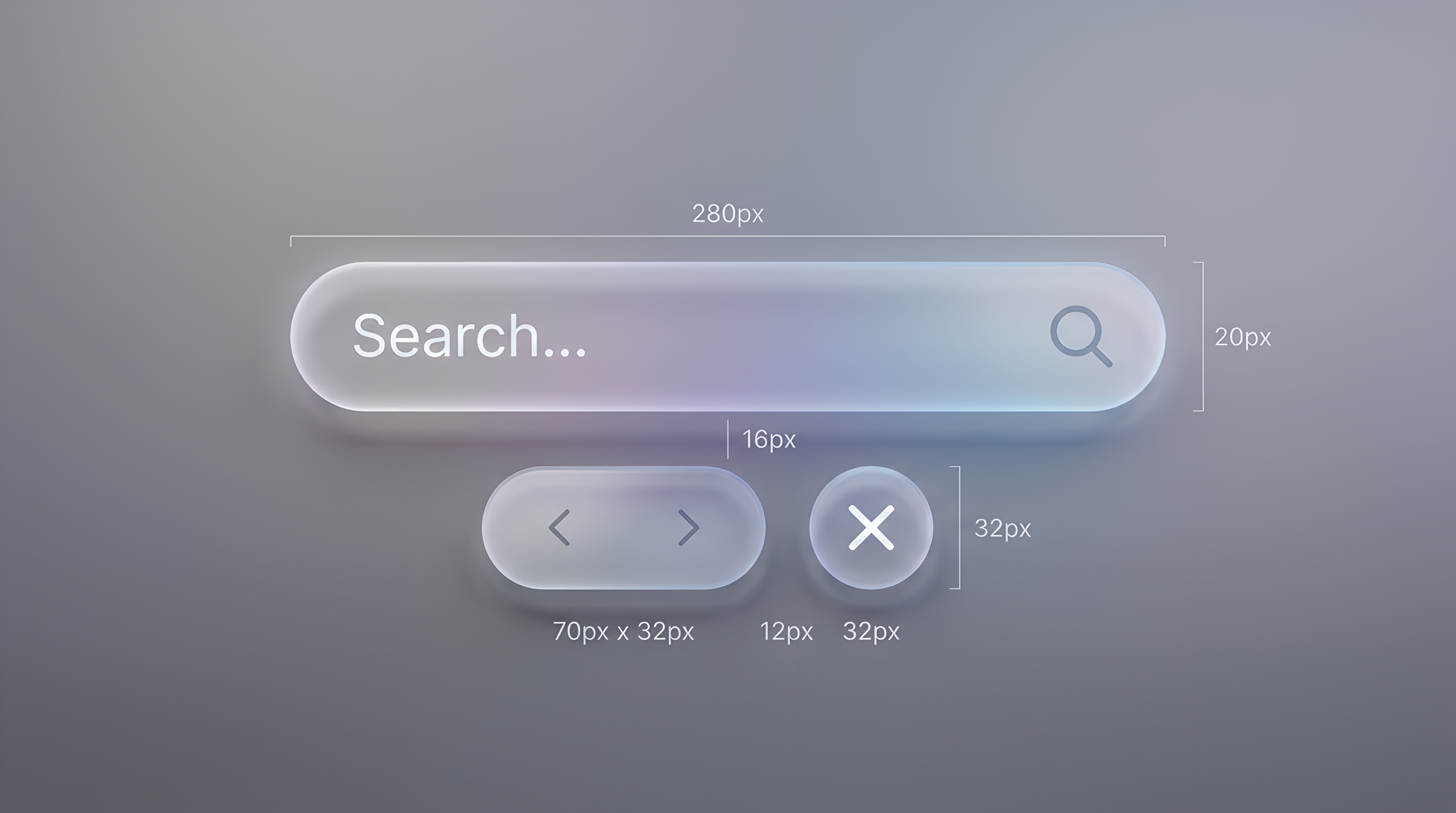
Clean glassmorphism effect element
2024Atlas · Senior Product Designer
Impact · Itinerary completion rate up 54%. Average session length grew 2.3x.
Read case study